How It Works
Explore. Subscribe. Auto-map.
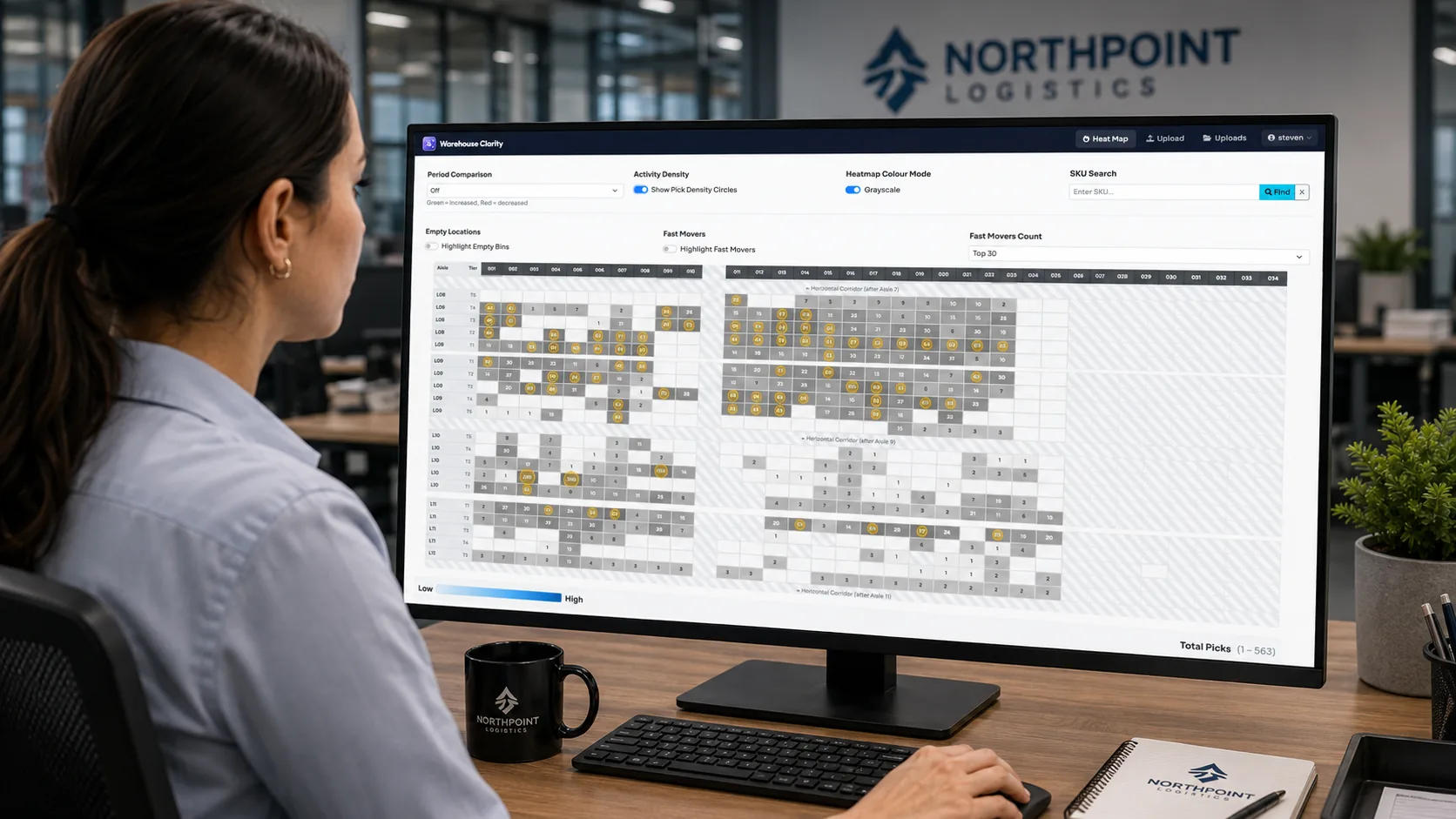
Start in the live demo — just your work email. When you're ready, subscribe and upload a CSV or Excel export of your bin locations: our wizard auto-detects your layout and turns your warehouse into a visual story — 2D and 3D — in minutes. No installation, no training, no floor plan to draw.
1
Explore the Live Demo
Open a fully-populated demo warehouse right now — no card, no sales call, just your work email. Switch heat metrics, drill into any bin, search a SKU. It's the real product, so you know exactly what you're buying.
2
Subscribe — $99/mo
Ready to see your own warehouse? Subscribe self-serve: $99/mo, unlimited users, cancel anytime, 30-day money-back guarantee. Multi-location or Camelot-connected? Book a call with Chuck instead — we reply within 1 business day.
3
Upload & We Auto-Map
Upload a CSV or Excel export of your bin locations — any WMS that can export works. The wizard reads your location codes, figures out your aisles, sections, and tiers automatically, and builds your color-coded 2D + 3D heat map in minutes. It remembers your layout, so refreshes are fast — and if it doesn't get your map right, Chuck builds it for you, included.
CSV / Excel Upload
Auto-Detected Layout
2D + 3D
Live Demo
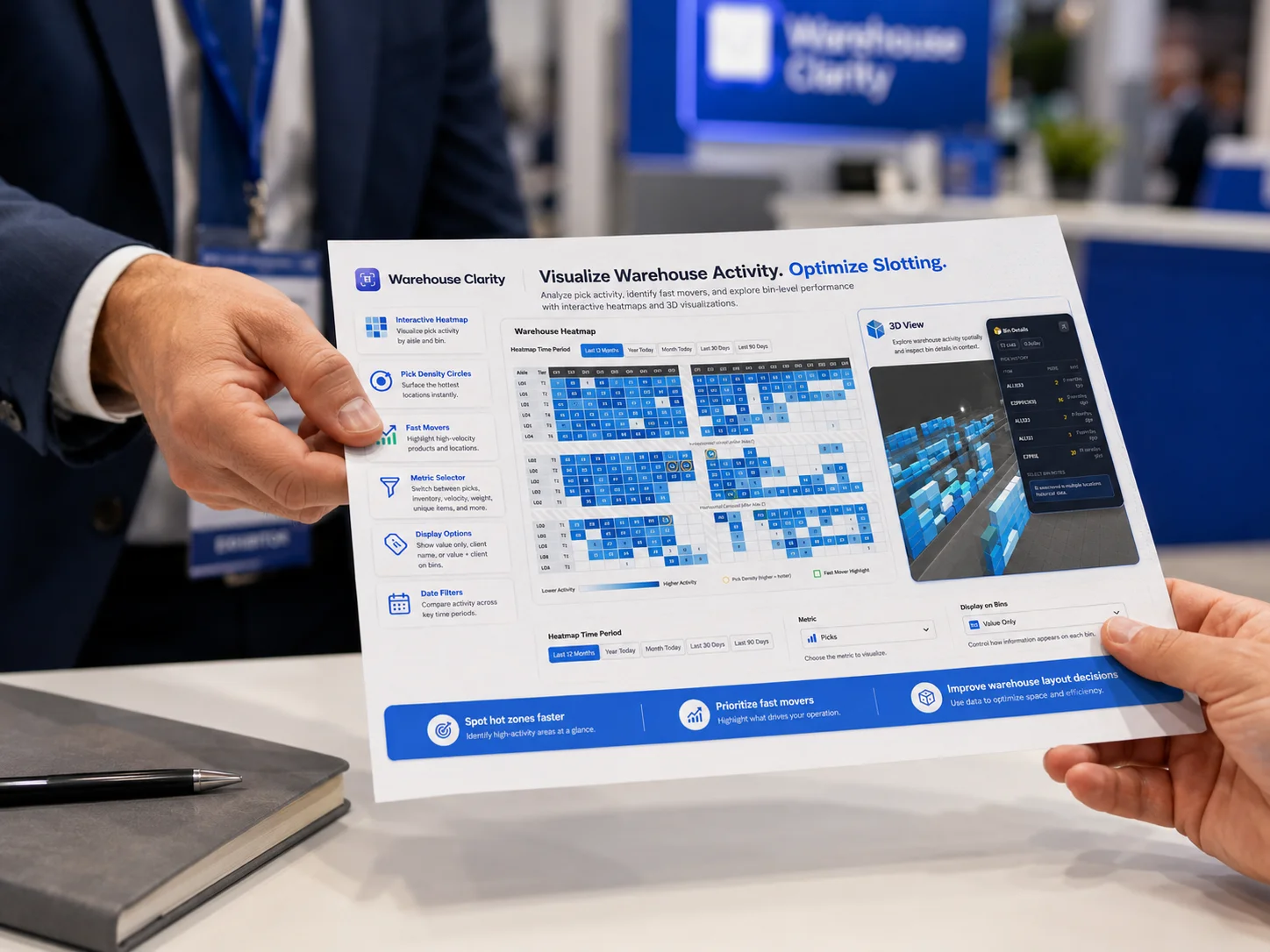
WMS Integration
Works with any WMS that can export.
CSV / Excel upload
Export bin locations from your WMS and upload the file — that's it. No middleware, no custom development, no IT project. Works with any system that can produce a CSV or Excel export.
Auto-detected layout
The wizard reads your location codes and figures out your aisles, sections, and tiers for you. No floor plan to draw. It saves your layout profile so refreshes take minutes.
Refresh any time
Your warehouse changes — keep the map current by re-uploading whenever you like. Because we remember your layout, a refresh is just a quick new export.
Already on Camelot?
If you run on Camelot (Excalibur), your provider can enable live sync so your map stays current automatically — ask them about it. Everyone else uploads, and it works just as well.
Ready?
Your warehouse data is already there.
Let Warehouse Heatmap show you the picture.
Then see yours: $99/mo, cancel anytime, 30-day money-back guarantee.